
Trip guides
Best eSIM for Japan From New Zealand
Updated 27 September 2026
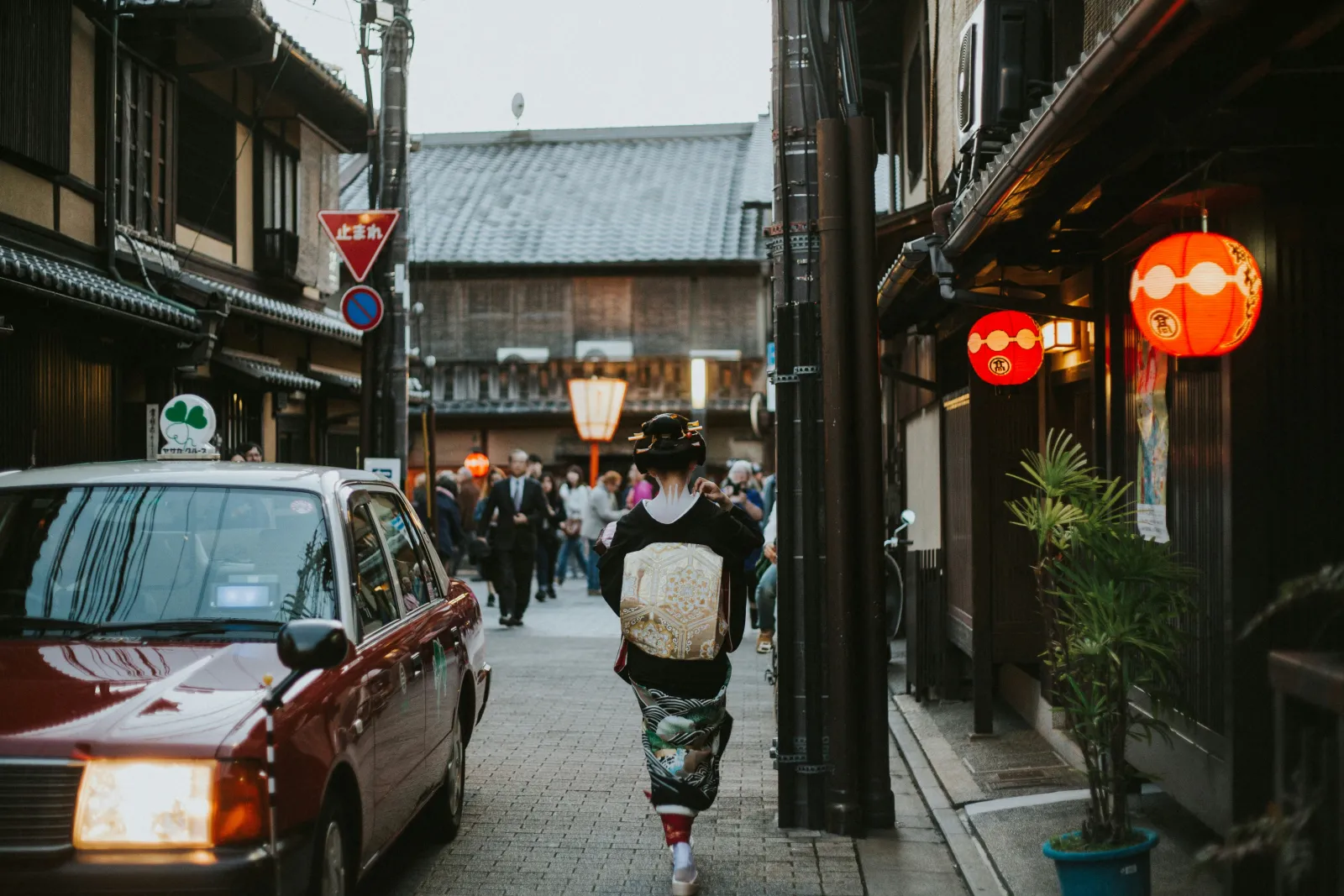
Looking for the best eSIM for Japan from New Zealand? Japan is one of the most popular trips for Kiwi travellers, and also a destination that punishes an unprepared phone more than most - train navigation, restaurant translation, and a language barrier that's real for most visitors all lean on having data the moment you land. Here's exactly which plan to pick, how much data to size it at, and what to know before you fly.
Quick recommendation
Travelling to Japan for around 10 days and mainly using maps, messaging and the occasional social post? Start with the 10 GB plan (30 days, $16.99) on the Japan eSIM plans page. Doing more sightseeing across cities than relaxing at one hotel, or planning to hotspot a laptop? Size up from there.
Who this is for
Anyone landing in Japan without a local SIM already sorted - first-timers relying on Google Maps and translation apps especially, but also repeat visitors who'd rather not queue at an airport SIM counter or hunt for a pocket wifi rental desk after a long flight.
Why data matters more in Japan than most trips
- The train system is extensive and genuinely confusing at first - multiple operators, IC cards, platform numbers that change - and most people navigate it entirely through Google Maps.
- English signage thins out fast outside major stations, especially for menus, so a translation app on hand is less a convenience than a necessity in a lot of places.
- Free public Wi-Fi exists but is inconsistent - convenience stores and stations sometimes have it, plenty of places don't, and hunting for a signal isn't how you want to spend a trip.
How much data you actually need
Heavy map use (Tokyo and Kyoto both reward a lot of walking-and-checking-the-route), translation apps, and photo uploads add up more than a typical beach holiday. As a rough guide, light use (maps and messaging only) sits around 1-3GB a week, regular use with some streaming and video calls home around 5-10GB a week, and heavy daily streaming or hotspotting a laptop for work pushes toward 15-20GB+ a week - see how much data you actually need for the full breakdown, and lean toward the larger end if your itinerary's packed with cities rather than time relaxing at one hotel.
Country plan or a regional bundle?
Japan and South Korea are a common combined trip - if that's the plan, check whether an Asia-region bundle covering both works out simpler than two separate country plans, particularly if you're also touching down somewhere else in the region. See South Korea eSIM plans or browse regional bundles to compare. Sticking to Japan alone, the country-specific plan is almost always the simpler, cheaper pick.
Apps to set up before you fly to Japan
- Visit Japan Web - Japan's official, free site for immigration and customs. Fill it in before you fly and it gives you one QR code for both at the airport - screenshot it, so it works even before your eSIM has connected. It's recommended rather than required; paper forms are still handed out on the plane.
- An IC card - Suica, PASMO or ICOCA pay for trains, buses and convenience-store snacks with a tap, and top up at any station machine. On iPhone you can add Suica straight to Apple Wallet and skip the plastic card altogether.
- Offline Google Maps - Download Tokyo, Kyoto and any rural areas before you go. Offline maps still show where you are and give driving directions, but walking and train directions need data - which is exactly why you want a working connection for Japan's rail network.
- A translation app with camera mode - Point it at a menu, a ticket machine or a sign and read it in English. It's the single app most first-timers say they used more than expected.
Pocket Wi-Fi or an eSIM for Japan?
Pocket Wi-Fi used to be the default advice for Japan, and it still works - but it means collecting a device at the airport, charging it every night, returning it before you fly home, and keeping everyone in your group within range of whoever's carrying it. An eSIM lives inside your phone: nothing to pick up or return, nothing extra to charge, and each traveller has their own connection when you split up for the day.
Pocket Wi-Fi can still make sense for a family sharing one connection across lots of devices, or if a phone doesn't support eSIM. Japan's free public Wi-Fi - look for the Japan.Free Wi-Fi sign - is handy in stations and tourist spots, but usually needs a quick registration and only works where you're standing.
Staying connected on the Shinkansen and off the beaten track
Cities, stations and the main Shinkansen lines are well covered, though you'll notice short dropouts in the tunnels on mountain routes. If you're heading somewhere rural - the Kumano Kodo, the Japanese Alps or a remote onsen town - download offline maps first and keep your Visit Japan Web QR code and hotel details as screenshots, so nothing depends on signal.
Current pricing
Japan eSIM plans currently start from $4.99, with larger sizes and longer validity windows available - see the full, current line-up on the Japan eSIM plans page.
When does it actually start?
Check the "About this eSIM" panel on the plans page before you buy - most plans start the first moment your phone connects to a network in Japan, so it's fine to buy well ahead of your trip. A handful of plans instead start the moment you install the eSIM profile, so for those, install right before you fly rather than weeks ahead.
Does hotspotting work?
Yes - hotspot/tethering is included, so you can share the connection with a laptop or another device. It counts against your plan's data allowance like any other use, so factor it into the sizing above if you're planning to work from a laptop while you're there.
Setting it up
Install your eSIM on Wi-Fi before you fly, and it's ready to go the moment you land at Narita, Haneda, or Kansai - see the setup guide for the two-minute version. There's no airport SIM counter queue to navigate after a long flight, and no need to find a pocket wifi rental desk before you can even open a map.
Coverage and networks in Japan
In Japan, this eSIM connects via NTT docomo, Rakuten Mobile, KDDI/au and SoftBank. Japan is about as well covered as travel eSIMs get - the cities are blanketed, and coverage runs along the Shinkansen network and reaches the vast majority of hiking trails and rural roads. Even out in the Japanese Alps or on smaller islands you're rarely far from a signal; the rare weak patches tend to be deep valleys or dense forest rather than anywhere you're likely to be relying on data.
Japan FAQs
Will it work on the Shinkansen (bullet train)?
Yes - coverage runs pretty much the length of Japan's rail network, tunnels included on most routes, so maps and messaging keep working as you travel between cities.
Does it cover rural Japan and hiking trails?
Generally yes - Japan's networks reach well beyond the cities, including most popular hiking trails and rural roads. Very remote mountain trails or dense forest can still have the odd dead patch, same as with any network.
Which networks does the Japan eSIM use?
It connects via NTT docomo (5G), Rakuten Mobile (5G), KDDI/au (5G) and SoftBank (5G) - your phone automatically uses whichever has the strongest signal where you are.
Do I need Visit Japan Web to enter Japan?
No - it's recommended, not required. Filling it in before you fly gives you one QR code for immigration and customs, which saves filling in paper forms in the queue. Screenshot the code so it works without data.
Is pocket Wi-Fi or an eSIM better for Japan?
For most Kiwis an eSIM is simpler: nothing to collect or return, nothing extra to charge, and everyone has their own connection. Pocket Wi-Fi mainly makes sense for a group sharing one connection across lots of devices.
Does Google Maps work offline in Japan?
Partly. Downloaded offline areas show your location and give driving directions, but walking and public transport directions need data - so for getting around Japan's trains, you'll want your eSIM connected.
Ready to sort it? Head to the Japan eSIM plans page to pick a size and buy - your QR code lands within a minute of paying.
Sources
Information checked 27 September 2026. Entry rules, fees and local details change - confirm anything important with the official source before you travel.
- How to use - Visit Japan Web - Digital Agency (services.digital.go.jp)
- Japan. Free Wi-Fi Guide - Japan National Tourism Organization (japanfreewifi.jnto.go.jp)
- Suica - JR East (jreast.co.jp)
- Download areas & navigate offline in Google Maps - Google Maps Help (support.google.com)