Trip guides
USA eSIM for Kiwis: How Much Data Do You Need for a Road Trip?
Updated 27 September 2026
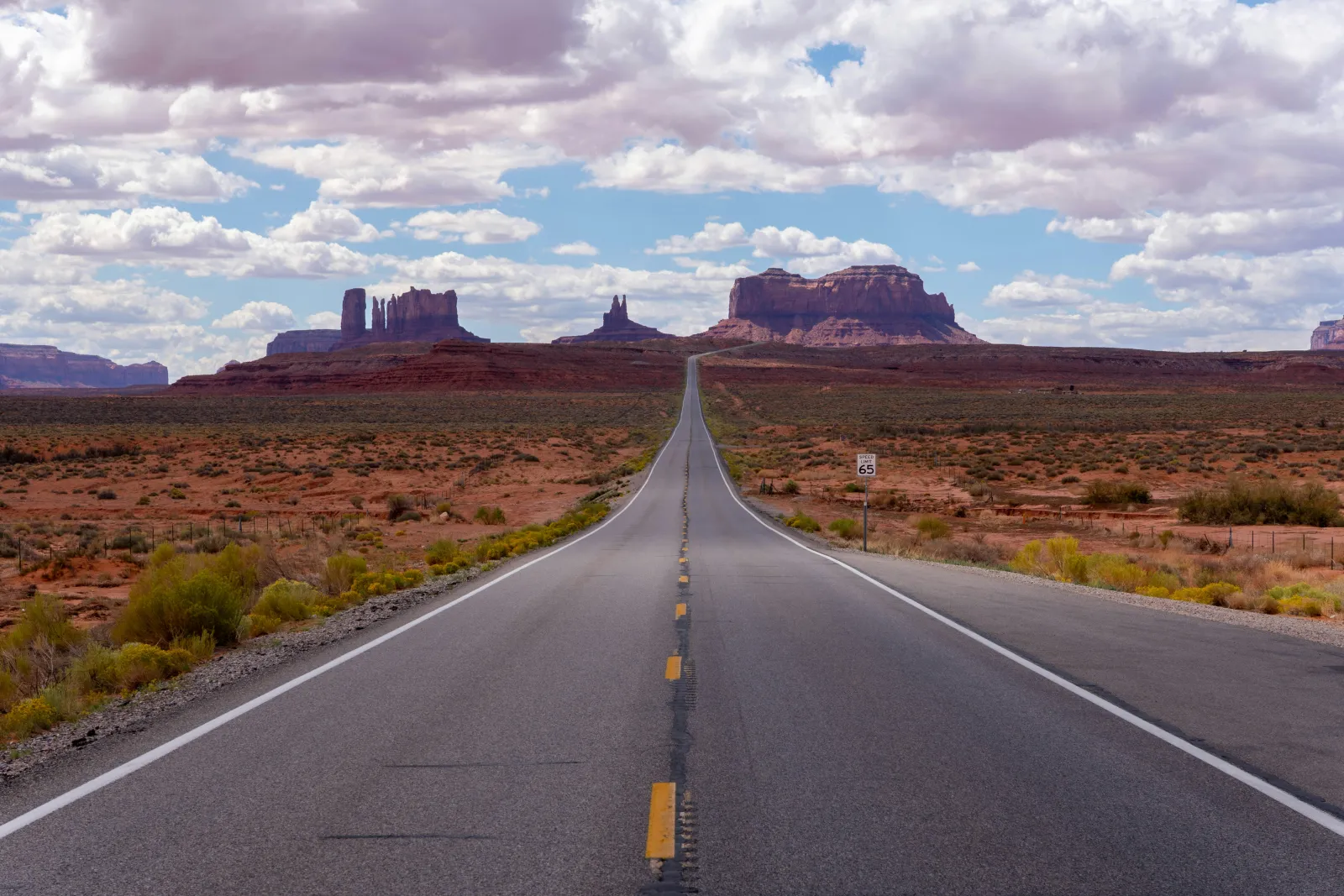
Getting a USA eSIM sorted before you fly is one of the easiest wins on a US trip. The USA is a common one for Kiwis - visiting family, a theme park run, or a proper multi-state road trip. It's also a country big enough that "how much data do I need" has two very different answers depending on whether you're based in one city or spending hours a day navigating between them. Here's how to size a plan for each, with real current pricing.
Quick recommendation
Doing a 21-day US road trip and navigating by GPS most days? Start with the 50 GB plan (30 days, $99.99) on the United States eSIM plans page. Spending most of your time in cities instead, mostly on hotel or Airbnb Wi-Fi? A smaller plan for the same 21 days covers you for less.
Who this is for
Anyone landing in the US without a local SIM already sorted - a family visit based mostly in one city, a national park road trip covering several states, or anything in between. It works the same whether you're flying into JFK for a week with relatives or picking up a rental car in Vegas for a three-week loop through the desert Southwest.
How much data does a road trip actually need?
This is the part that catches people out. A city-based trip - visiting family, a few days in New York or LA, a theme park stay - uses data fairly predictably: some maps, messaging, and the odd video call. A real road trip runs heavier, and not just because the days are longer. You're running turn-by-turn navigation for hours at a stretch, and the patchy signal on long interstate runs between towns means more dropped connections and retries than a city network ever produces - each reconnect and each re-loaded map tile burns a bit more data than the same task would in town. Plan to hotspot a laptop for work along the way, or stream music through the dead stretches, and it adds up further still.
See how much data you actually need for the general GB bands (light, normal, heavy use per week) - the road trip numbers above lean toward the heavy end of that scale on driving days, even if the rest of the trip is fairly light.
Country plan, or a regional bundle?
For a trip that stays inside the US, the country-specific plan above is the simpler, cheaper pick. If your route crosses into Canada or Mexico - a Vancouver add-on, or a Tijuana day trip from San Diego - it's worth checking whether a USA, Canada & Mexico regional bundle covers the whole itinerary on one eSIM instead of juggling separate plans; see browse regional bundles to compare. Sticking to the US alone, don't bother with the regional option - it's not the cheaper way to cover one country.
Before you fly: the ESTA
New Zealand is part of the US Visa Waiver Program, so for most holidays you don't need a visa - but you do need an approved ESTA before you board. Apply on the official ESTA website well ahead of your flight; lookalike sites charge extra for the same application. An ESTA covers stays of up to 90 days for tourism or business.
National parks: plan to be offline
The US National Park Service is upfront about it: parks are in or near remote wilderness, so cell service varies from park to park - and even within a single park. Visitor centres and lodges are usually your best bet for signal and Wi-Fi.
Before you drive in, download offline Google Maps for the whole park and the roads around it, save the official NPS app's park content for offline use, and screenshot any trail maps, campsite bookings or timed-entry permits. Then your eSIM picks straight back up when you're back in range.
Road trip details that trip up visitors
- Pay at the pump often asks for a US ZIP code, which NZ cards don't have - be ready to pay inside the station instead.
- Many toll roads are cashless, billing by number plate - ask your rental company how tolls are charged before you drive off.
- Distances are bigger than they look - a "short" hop between parks can be four or five hours, so keep offline maps downloaded for the gaps between towns.
Current pricing
USA eSIM plans currently start from $7.99, with larger sizes and longer validity windows available - see the full, current line-up on the USA eSIM plans page.
When does it actually start?
Check the "About this eSIM" panel on the plans page before you buy - most plans start the first moment your phone connects to a network in the US, so it's fine to buy well ahead of your trip. A handful of plans instead start the moment you install the eSIM profile, so for those, install right before you fly rather than weeks ahead.
Does hotspotting work?
Yes - hotspot/tethering is included, so you can share the connection with a laptop or another device. It counts against your plan's data allowance like any other use, so factor it into the sizing above if you're planning to navigate on a tablet mounted to the dash, or work from a laptop during downtime on the road.
Setting it up
Install your eSIM on Wi-Fi before you fly, and it's ready to go the moment you land - see the setup guide for the two-minute version. There's no airport SIM counter queue to navigate after a long flight, and no fumbling with a physical SIM once you're jet-lagged and just want to pick up the rental car.
Coverage and networks in the USA
In the United States, this eSIM connects via Verizon and AT&T. The major US networks cover the vast majority of where you'll actually be - cities, interstates, and most towns. The US is enormous though, and remote stretches of desert highway, mountain passes, and the more isolated national parks (think backcountry Yellowstone or Big Bend, not the main visitor centres) can still drop to no signal on any network, so it's worth downloading offline maps for a proper road trip.
The USA FAQs
Will it work on a US road trip?
Along interstates, state highways and through towns, yes - the major networks cover the routes most road trips actually take. Remote backcountry stretches in national parks or deep desert can still lose signal, so it's smart to download offline maps before you head off the beaten path.
Which networks does the United States eSIM use?
It connects via Verizon (5G) and AT&T (5G) - your phone automatically uses whichever has the strongest signal where you are.
When should I install my USA eSIM?
On Wi-Fi at home before you fly. Most plans only start when you connect to a US network, so installing early costs you nothing - and you land with maps and messaging ready for the drive out of the airport.
Does the USA eSIM work in Hawaii and Alaska?
A USA plan covers the country as a whole, including Hawaii and Alaska, but coverage outside the main towns can be thin - especially in Alaska and on Hawaii's more remote coastlines. Download offline maps for road trips there.
Do I need a US phone number for my trip?
Usually not. Most bookings, rental cars and apps work fine with your NZ number, which stays active alongside the eSIM for calls and texts. A data-only eSIM covers maps, messaging and ride-share apps.
Do New Zealanders need an ESTA for the USA?
Yes, for most visits. New Zealand is in the Visa Waiver Program, so you apply online for an ESTA before you fly instead of a visa. Use the official ESTA site only.
Will my phone work in US national parks?
Sometimes. Coverage varies a lot between parks and within them - visitor centres are usually best. Download offline maps and the NPS app's park content before you arrive.
Can I hotspot my eSIM to a tablet or laptop in the car?
Yes - hotspotting is included. It uses your plan's data like anything else, so size up if you'll be navigating on a tablet or streaming for passengers.
Ready to sort it? Head to the USA eSIM plans page to pick a size and buy - your QR code lands within a minute of paying.
Sources
Information checked 27 September 2026. Entry rules, fees and local details change - confirm anything important with the official source before you travel.
- Official ESTA Application Website - U.S. Customs and Border Protection (esta.cbp.dhs.gov)
- Frequently Asked Questions about the Visa Waiver Program and ESTA - U.S. Customs and Border Protection (cbp.gov)
- Cellular & Internet Access in National Parks - U.S. National Park Service (nps.gov)
- The NPS App - U.S. National Park Service (nps.gov)