
Choosing a plan
eSIM vs Physical SIM: Which Wins
Updated 27 September 2026
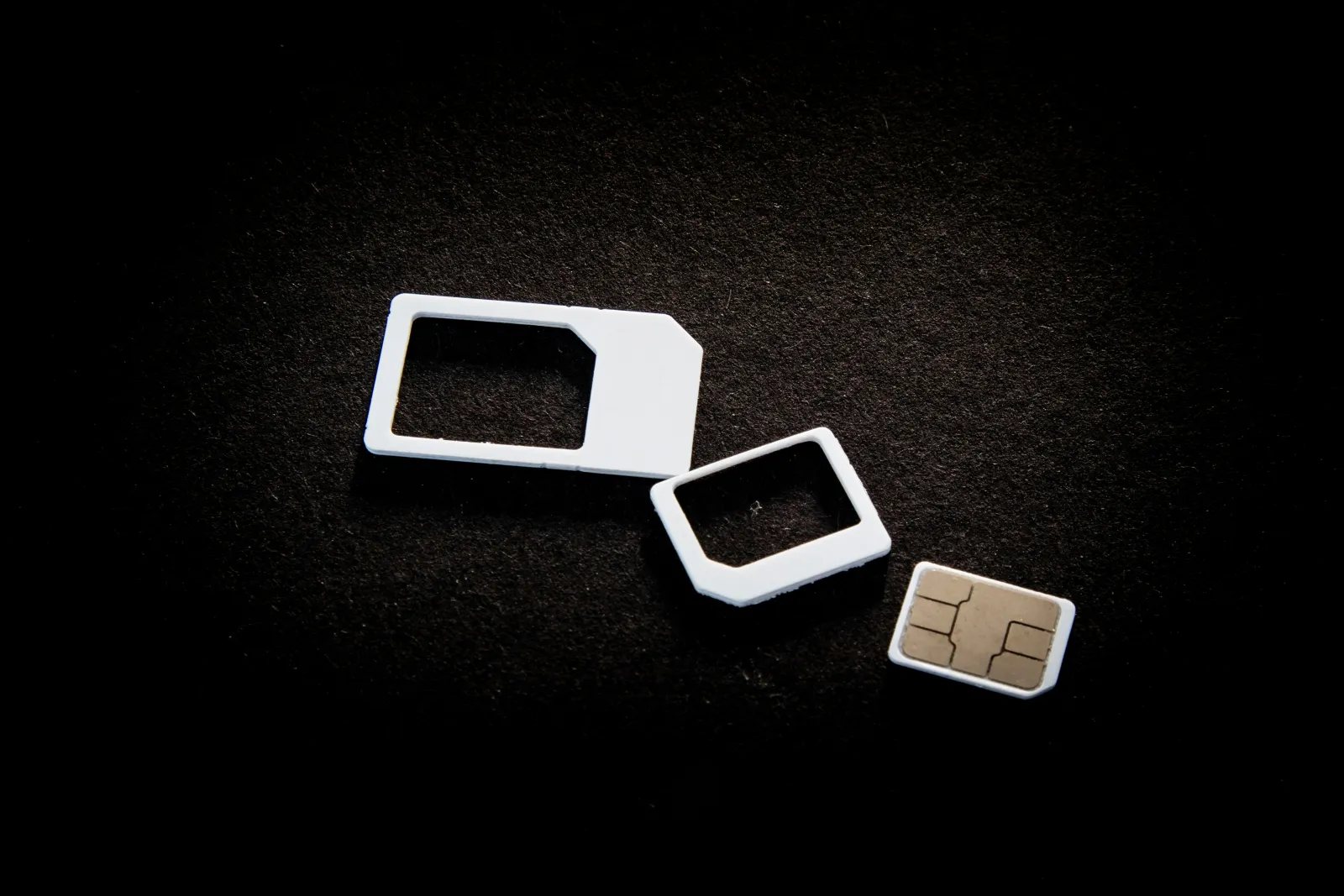
eSIM vs physical SIM is one of the first questions Kiwis ask when planning a trip. Buying a physical SIM at the destination airport used to be the default advice for cheap data overseas. It still works - but it also means finding the right kiosk after a long flight, having local cash or a card that works there, and usually swapping it back out before you fly home. An eSIM skips all of that by design. Here's when each one actually wins.
Where an eSIM wins
- Nothing to find once you land. It's already installed before you leave home - no kiosk, no queue, no language barrier at an airport SIM counter.
- Your regular SIM stays in your phone. No tiny tray to pop out, no risk of losing your normal SIM in an airport bin, no juggling a paperclip.
- You keep your real number the whole time. A physical local SIM replaces your number for calls and texts unless your phone supports two SIMs at once; an eSIM sits alongside it as a second, data-only line (see eSIM vs roaming for more on this).
- One eSIM can cover several countries. A physical SIM is usually good for one country - crossing a border often means finding a new one. A regional SweetAsSIM bundle can cover a whole trip.
Where a physical SIM can still make sense
- Your device doesn't support eSIM. It's standard on most phones sold since 2019, but not universal - check device compatibility before you fly if you're not sure.
- You need a genuinely local phone number for something specific - a local bank app, a delivery service, or a job that requires it - rather than just data.
- A carrier-locked phone. A physical SIM from a different network usually won't work on a locked device either, but it's worth knowing an eSIM has the exact same restriction, not a way around it - a US-carrier iPhone bought on a plan, for instance, is often locked to only that carrier's own eSIM profiles too.
- Sending an SMS-verification code to a local number. A few local services (ride-share apps and local bank/payment apps especially) send a one-time code to whatever number is active on your SIM - fine on a data-only eSIM if you never need that code, but a real reason a physical local SIM occasionally wins for a longer stay that involves signing up for local accounts.
Being honest about eSIM's own limits
It's not a one-sided win. eSIM support varies more than people expect between otherwise-identical phone models - some region-specific or budget Android variants ship with the hardware but no eSIM software support at all, which is a different problem to a simple compatibility check and one worth ruling out ahead of time on the device compatibility page. Switching to a different physical phone mid-trip (a lost or broken phone, for instance) also means your eSIM doesn't just move across the way a physical SIM card can be pulled out and dropped into another handset - you'd be reinstalling rather than swapping.
Is a physical SIM actually cheaper?
Often on paper, once you're standing at the kiosk - but that sticker price skips the cost of the hour or more spent finding the right shop, queueing, and getting it working, during which you're either paying for roaming or simply offline. It also assumes the price quoted to a tourist matches what a local pays, which isn't always true. Factor in the time cost and the risk of losing a tiny SIM tray screw or your own SIM in an airport bin, and the gap narrows or disappears for most trips under a few weeks.
The practical difference on the day
With a physical SIM, "getting connected" is a task you do after a long flight, in an unfamiliar airport, possibly in a language you don't speak. With an eSIM, it's a task you do at home on your own Wi-Fi, days or weeks ahead of time - see the setup guide for exactly how. For most trips, that alone is worth more than any small price difference.
What an eSIM actually is
An eSIM is a SIM that's downloaded rather than inserted. Instead of a plastic card, your phone has a secure chip built in, and a mobile plan is installed onto it as a digital profile - usually by scanning a QR code or tapping an install link. The GSMA, the global mobile industry body behind the standard, says it offers the same level of security as a removable SIM card.
Phones can store several eSIM profiles at once, which is what makes them so handy for travel: your travel eSIM sits alongside your normal SIM, ready to switch on when you land.
Dual SIM: keeping your NZ number while you travel
Most recent phones support dual SIM - a physical SIM plus an eSIM, or on newer iPhones two eSIMs. Apple says an iPhone XS, XS Max, XR or later supports a physical SIM and an eSIM together, and iPhone 13 and later can run two eSIMs. Both lines can send and receive calls and texts, but your phone uses one line for mobile data at a time.
For travel, that means: keep your NZ SIM active for calls and texts (so bank codes still reach you), set the travel eSIM as your data line, and turn data roaming off on the NZ SIM. One catch that applies to both SIM types: to use a different network's SIM or eSIM, your phone needs to be carrier-unlocked.
Quick verdict: which should you pick?
- Pick an eSIM if your phone supports it, you want data working the moment you land, you're visiting more than one country, or you want to keep your NZ number active.
- Pick a physical SIM if your phone doesn't support eSIM, or you need a genuine local number for something like a local bank or job.
- Staying months, not weeks? Start with an eSIM, then get a local SIM once you've settled - see the OE guide.
Frequently asked questions
Can I use an eSIM and a physical SIM at the same time?
Yes, on a dual-SIM phone. Both stay active for calls and texts, and you choose which one handles mobile data - usually the travel eSIM while you are away.
Do all phones support eSIM?
Most phones sold since around 2019 do, including iPhone XS and later, recent Samsung Galaxy and Google Pixel models - but not every model or regional variant. Dial *#06#: if an EID number shows, your phone supports eSIM. The device compatibility page has the full list.
Can I keep my physical SIM in while using a travel eSIM?
Yes - on a dual-SIM phone your normal SIM stays in and keeps your NZ number working for calls and texts, while the eSIM handles data. Turn data roaming off on the NZ SIM.
Is an eSIM less secure than a physical SIM?
No. The GSMA says eSIM offers an equivalent level of security to a removable SIM card - and there's no physical card to lose or have swapped.
Can I move a travel eSIM to a new phone?
Not by yourself. You can delete and reinstall a travel eSIM on the same phone, but it can't be moved to a different one. If you change or lose your phone, contact support with your order number.
Sources
Information checked 27 September 2026. Entry rules, fees and local details change - confirm anything important with the official source before you travel.
- What is eSIM for Consumer and IoT? - GSMA (gsma.com)
- Using Dual SIM with an eSIM - Apple Support (support.apple.com)
- Set up eSIM on iPhone - Apple Support (support.apple.com)